Every guest getsthe photos they're in
Guests scan a QR and take a selfie. Their photos arrive privately, while the event is still running.


A new event photo experience for every guest



How it works
They're photographed
Your photographer shoots as usual. Frames upload to Lemon Live from the camera, a phone or a laptop.
They scan and take a selfie
One consent screen, a selfie in the browser and an email. About thirty seconds, no app.

Their photos find them
Every frame they're in lands in their own gallery, live, with downloads and sharing.
No app to install
Treat every guest like the guest of honour
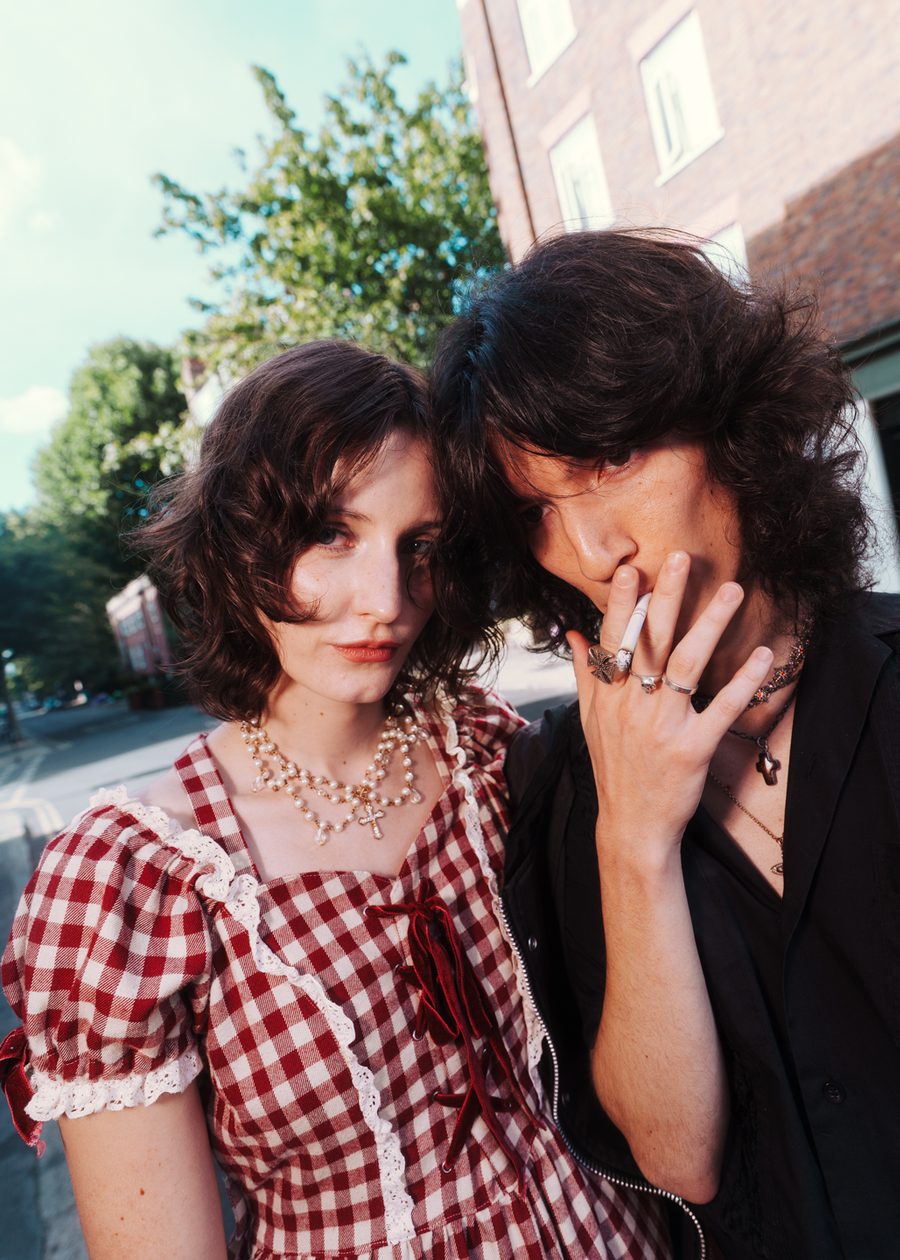

A gallery of their own
No scrolling through four hundred frames. Each guest sees only the photos they're in.
Start freeMore of the event, shared
One tap to LinkedIn or the phone's share sheet, with the organiser's branding on the shared page.
Private unless you say so
Photos are private by default. Make the best ones public for the feed and the venue wall.
Numbers for the organiser
Sign-ups, photos delivered, downloads and shares, live during the event and as a printable summary.
Put the event photos to work
Before
- Photos arrive days later
- Guests search one public gallery
- The team sorts and sends by hand
- No idea who saw or shared them
With Event Faces
- Photos delivered during the event
- Each guest gets their own, privately
- Matching does the sorting
- A report of sign-ups, downloads and shares
Built for the strictest privacy rules
Face matching is special-category data under UK GDPR. Event Faces is built around that, not bolted on.
Consent per event
Explicit consent on the event page, recorded with its wording, for that event only. Under-18s use the public photos.
Kept in London, then deleted
Face measurements stay in AWS's London region and are deleted after 7 to 90 days. The selfie is never stored.
Delete in one tap
Every page and email has a delete link. The face data, the gallery and any share links go at once.
Everything an event needs
No app to install
A QR on a sign or table card opens it in the browser.
Live, and personal
Frames are matched as they upload, so photos arrive during the event.
The organiser's brand
Their logo, colour and message on the guest pages, emails and share pages.

Shareable in one tap
LinkedIn and the phone's share sheet, one photo at a time.
Measurable
A live report link for the organiser, no account needed, with a print summary.
Private by default
Only the guests in a photo and you can open it until you make it public.
Pay per event, per guest
£0.25 a guest
Bought before the event from Billing. Needs Lemon Live: the Solo plan and up, or Lemon Live on its own.
Questions
Something else about your event?
Talk to usHow is this different from a normal event gallery?
A normal gallery puts every photo in one place and every guest scrolls through hundreds to find themselves. With Event Faces each guest who opts in gets only the photos they are in, in their own private gallery, as the photographer uploads them.
Do guests need an app?
No. They scan the event QR on a sign or table card, read one consent screen, take a selfie in the browser and give an email. Their photos open at a private link and arrive by email too.
Can I use my own camera and workflow?
Yes. Frames reach Lemon Live from camera FTP, a USB-C cable to the studio phone app, or the laptop folder uploader. Event Faces matches whatever arrives, edited or straight from the camera.
What happens to guests' face data?
The selfie itself is never stored. A face measurement is kept for that one event in AWS's London region and deleted at the end of the keep period you choose, 7 to 90 days. Guests can delete theirs at any time from any page or email.
What does it cost?
You buy guests for each event before it starts, £0.25 a guest, from 50 guests. Lemon Live itself is part of the Solo plan and up, or an add-on of its own.
Who can see the photos?
With Event Faces on, a photo is private unless you make it public: only the guests in it and you can open it. You can mark any photo public for the live feed and the venue wall.